
The team's reading, backed by the sources below.
GTA VI: Digital Foundry 36 FPS Xbox glitch test, HDR fix, Xbox Cloud Gaming guide, DLSS 5 experiment, and paint quality
Digital Foundry benchmarks the Xbox Series X Quick Resume glitch at a 36 FPS average with 120 ms latency, while Xbox Wire details Cloud Gaming, HDTVTest works around the broken HDR tool, and players compare garage paint finishes.
By Alexandre BONGRAND
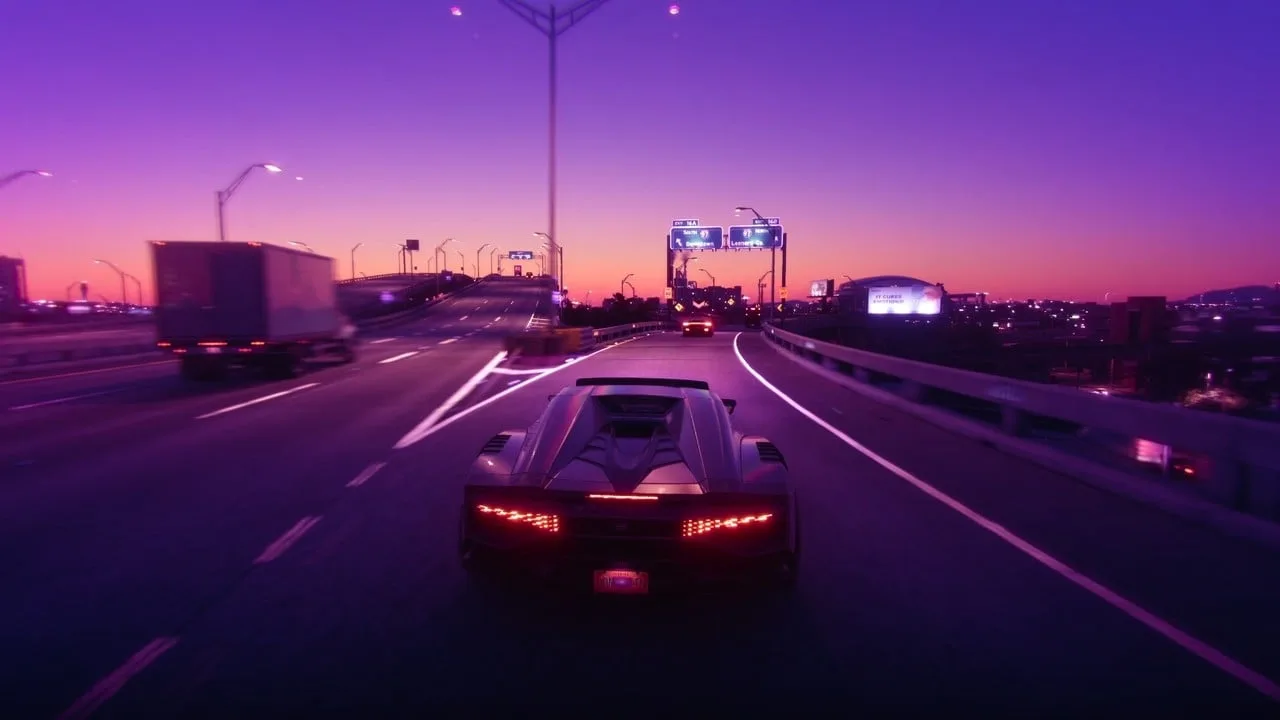
Xbox Series X|S Quick Resume glitch: why did Digital Foundry measure a 36 FPS average?
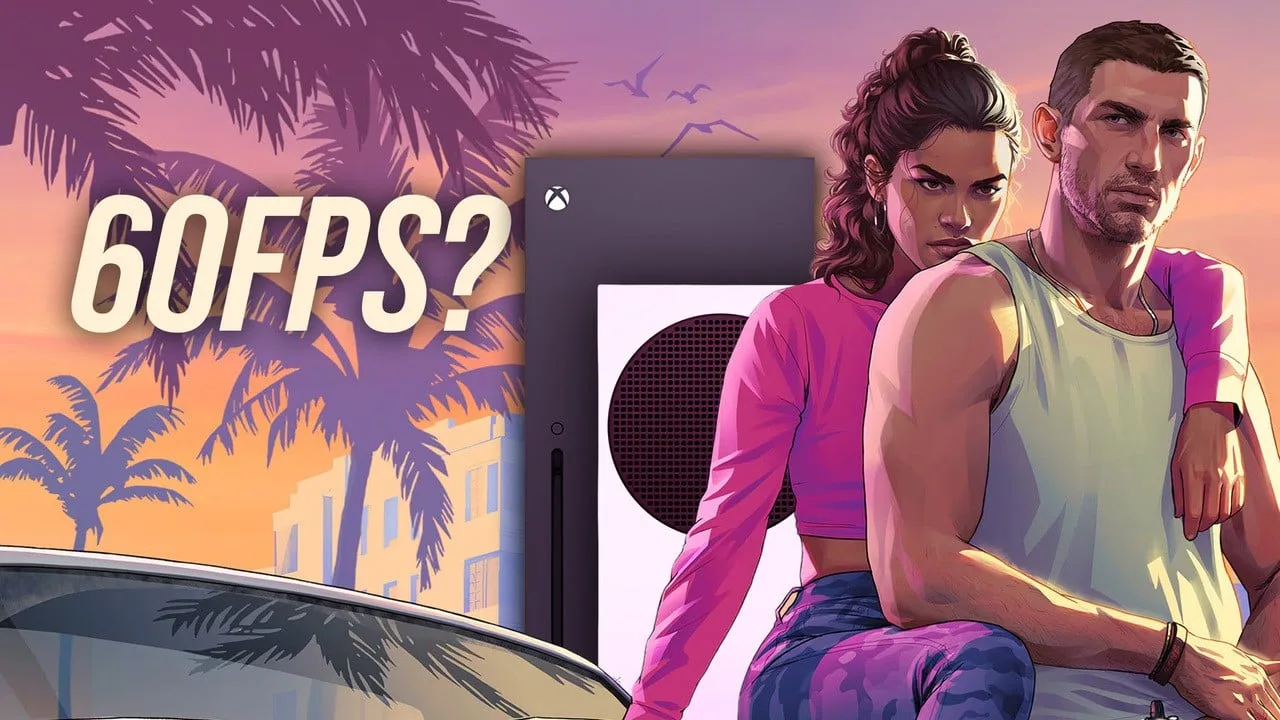
Following /u/Meowwie64's discovery covered in our first report on the 60 FPS exploit, Digital Foundry, its video analysis, Eurogamer, and PC Gamer tested how Quick Resume disrupts console v-sync. Set your Xbox display to 60 Hz, boot GTA VI, switch to 120 Hz during loading, launch another title, and resume your session (reversing the steps locks output to 15 FPS).
Unlike television VRR overlays that double readings through Low Frame-rate Compensation (25 FPS shown as 50 Hz), Rich Leadbetter and Oliver Mackenzie recorded a 36 FPS average across the opening hour on Xbox Series X (30 to 40 FPS, still dipping below 30 FPS in dense downtown traffic). Input lag drops from 170 ms to 120 ms near 40 FPS, but simulation speed accelerates as frame rates climb and CPU limits prevent a consistent 40 FPS mode (read our PS5 Pro and Series X technical breakdown).
Xbox Cloud Gaming, Remote Play, and the broken HDR calibration slider: what settings work best?
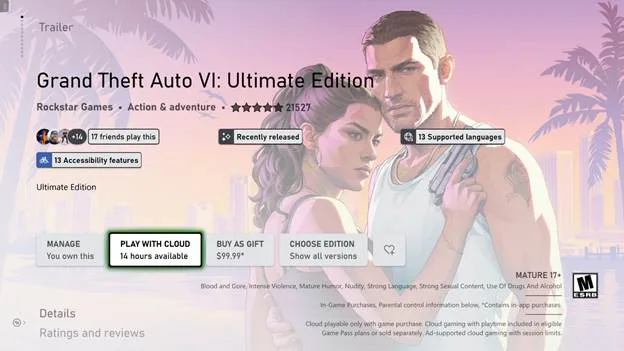
Meanwhile, Xbox Wire outlined remote options for players who own the game on the Xbox Store:
- Xbox Cloud Gaming: stream on Xbox One or Xbox Series X|S (Manage > See in Microsoft Store > Play With Cloud) using Xbox Series S graphics settings, with select Game Pass tiers including up to 15 hours per month;
- Remote Play: stream directly from your console to mobile browsers at play.xbox.com/remoteplay, the Xbox PC app, or the Xbox ROG Ally.
On the display side, GameSpot reports that the in-game HDR calibration tool on PS5 and Xbox Series X|S improperly links Maximum Brightness to Paper White: lowering Paper White silently reduces a 1,000-nit peak cap. Following patch 01.002.002, HDTVTest and GamingTech advise raising Maximum Brightness above your display's nit rating to offset the drop.
DLSS 5 NeuralScreen experiment and clear-coat paint physics: what do the comparisons reveal?
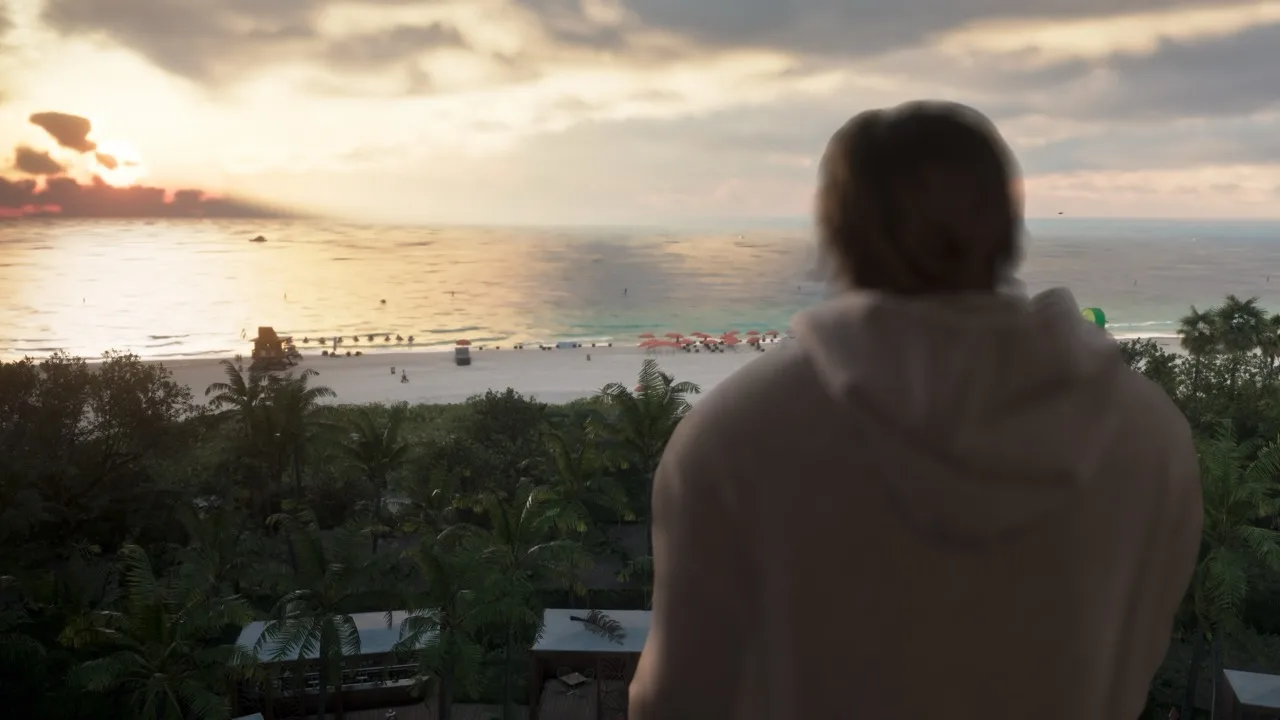
To preview neural rendering, JeuxVideo.com routed a base PS5 HDMI feed into a GeForce RTX 5080 PC running Elgato Studio and NeuralScreen on its "extreme" DLSS 5 profile, sharpening gameplay lighting and cutscene faces. Finally, Digital Foundry praised Rockstar's clear-coat paint shader and dynamic mud at Thrillbilly Mud Club, while PapaRPG, cited by TheGamer, showed that cheap Pay 'n' Spray resprays look blistered and dull compared to full customization shops (browse our vehicle directory and our media gallery).
Sources
- Digital Foundry — Grand Theft Auto 6 Xbox Series X|S Unlocked FPS Glitch Tested
- Digital Foundry — GTA 6’s Unlocked Frame-Rate Glitch Tested: Is There a Case for 40fps?
- Digital Foundry — Is GTA 6 The Best-Looking Racing Game Ever?
- Eurogamer — GTA 6 can run at 60fps on Xbox Series X if you use a glitch, but there’s a catch
- PC Gamer — GTA 6 players found a 60 fps glitch, but it’s too unstable
- Xbox Wire — How to Play Grand Theft Auto VI in the Cloud and with Remote Play
- GameSpot — Grand Theft Auto 6’s HDR Is Broken, But These Tweaks Can Fix It
- JeuxVideo.com — On a fait tourner GTA 6 avec le DLSS 5 : nos images comparatives
- TheGamer — GTA 6 Differences Between Paint Quality For Vehicle Customization
Keep reading
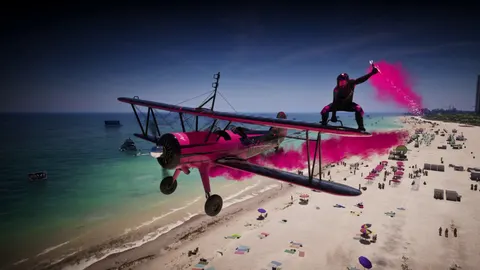
Source: GameRantCredit: Rockstar Games via GameRant (28/11/2026) GTA VI: Novak Watch heist at Rococo Rich (code 5853), Vangelico Ring for Yasmani (1282 and 2407), selling DaCity Coin at $5.05 ($25,250), and 6 race types
Three November 28 GameRant guides break down infiltrating Rococo Rich in stealth for the Novak Watch (code 5853), robbing Kowalski (1282) and Skala Diamonds (2407) for Yasmani’s Vangelico Ring, and selling 5,000 DaCity Coins at their $5.05 peak ($25,250), alongside TheGamer’s 6 race types.
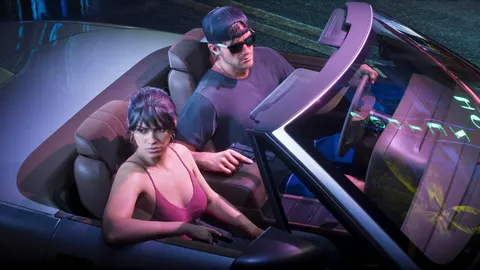
Source: DexertoCredit: Rockstar Games via Dexerto (27/11/2026) GTA VI: Ned Luke defends Lucia against “woke” claims, Evelyn Stone’s Deep Roots memorial, storm chaser Reed Timmer on hurricanes, and Metacritic score
Speaking with Dexerto and TheGamer, 2013’s Michael De Santa actor Ned Luke defends Lucia Caminos against “woke” claims targeting Grand Theft Auto VI, while Polygon contrasts the 99/100 Metacritic score with 53,754 negative user reviews, Bradley Stone honors his daughter Evelyn at Deep Roots, and Reed Timmer praises hurricanes.
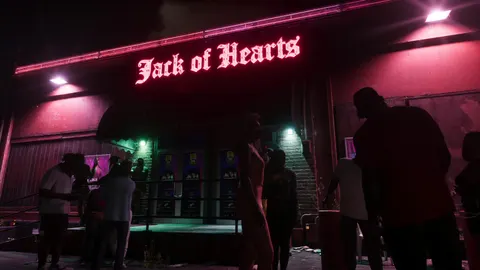
Source: PC GamerCredit: Rockstar Games via PC Gamer (28/11/2026) GTA VI: “surreal” launch per Rob Nelson, real tradespeople roast Jason’s DIY repairs, Criminal Profile as an RPG system, and Vice City clubs
Rob Nelson admits that even Rockstar North veterans felt like launch day might never arrive, while real-world roofers and drywallers dissect Jason’s Key Lento home repairs, IGN reframes the Criminal Profile as an RPG class system, and PC Gamer praises Vice City’s Big Three nightclubs.