
Reported by the press, with its sources.
GTA VI: hands-free Auto Drive, first-person Camera 2/2 workaround, Ammu-Nation weapon lockers, and Scooter Bros car recovery
Reporters at Game Informer, PC Gamer, and GameSpot break down four advanced gameplay systems in Grand Theft Auto VI: free hands-free Auto Drive, a Camera 2/2 controller workaround unlocking playable first-person view, Ammu-Nation weapon locker Variants, and vehicle recovery through Scooter Bros and Moses.
By Alexandre BONGRAND
Free hands-free Auto Drive and the Camera 2/2 workaround for playable first-person view
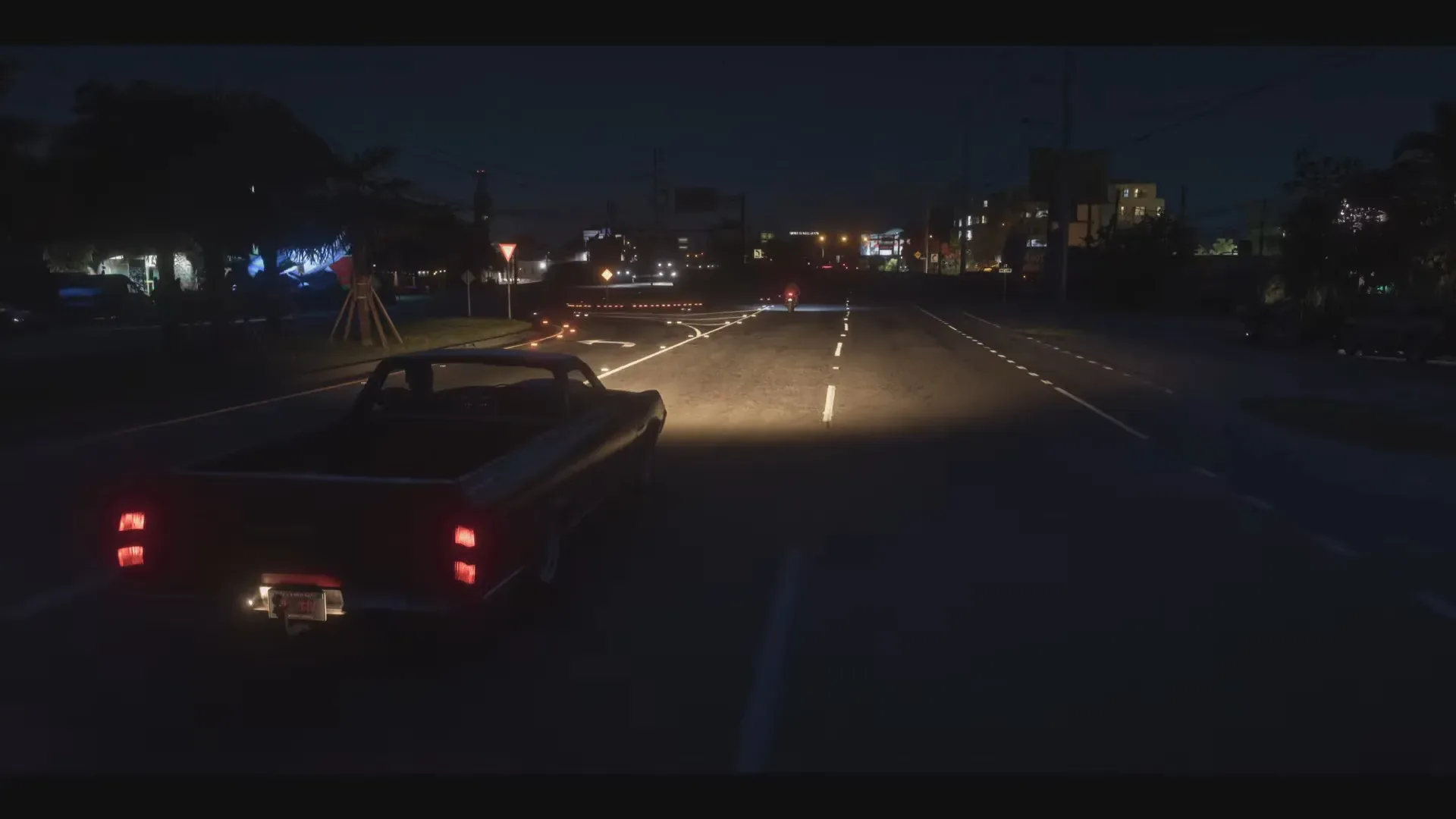
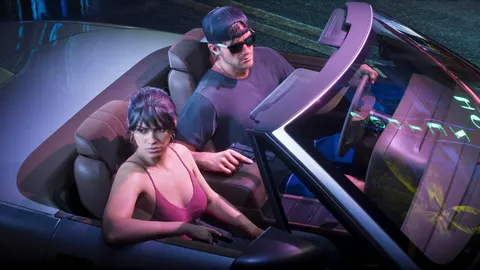
Building on how your personal vehicle trunk and DualSense triggers shape driving in Leonida, Game Informer details how to activate Auto Drive, a hands-free travel feature inspired by Rockstar's 2018 western cinematic camera. To let Jason or Lucia drive to your waypoint for free while obeying traffic laws and red lights:
- Set a GPS destination on your map and start driving onto an active road (the system cannot execute three-point turns or exit parking spots);
- Hold Down on the D-pad and press Start / Options to switch to the cinematic camera;
- Hold Circle on PS5 or B on Xbox Series X|S to engage Auto Drive, with the option to speed up the cruising pace.
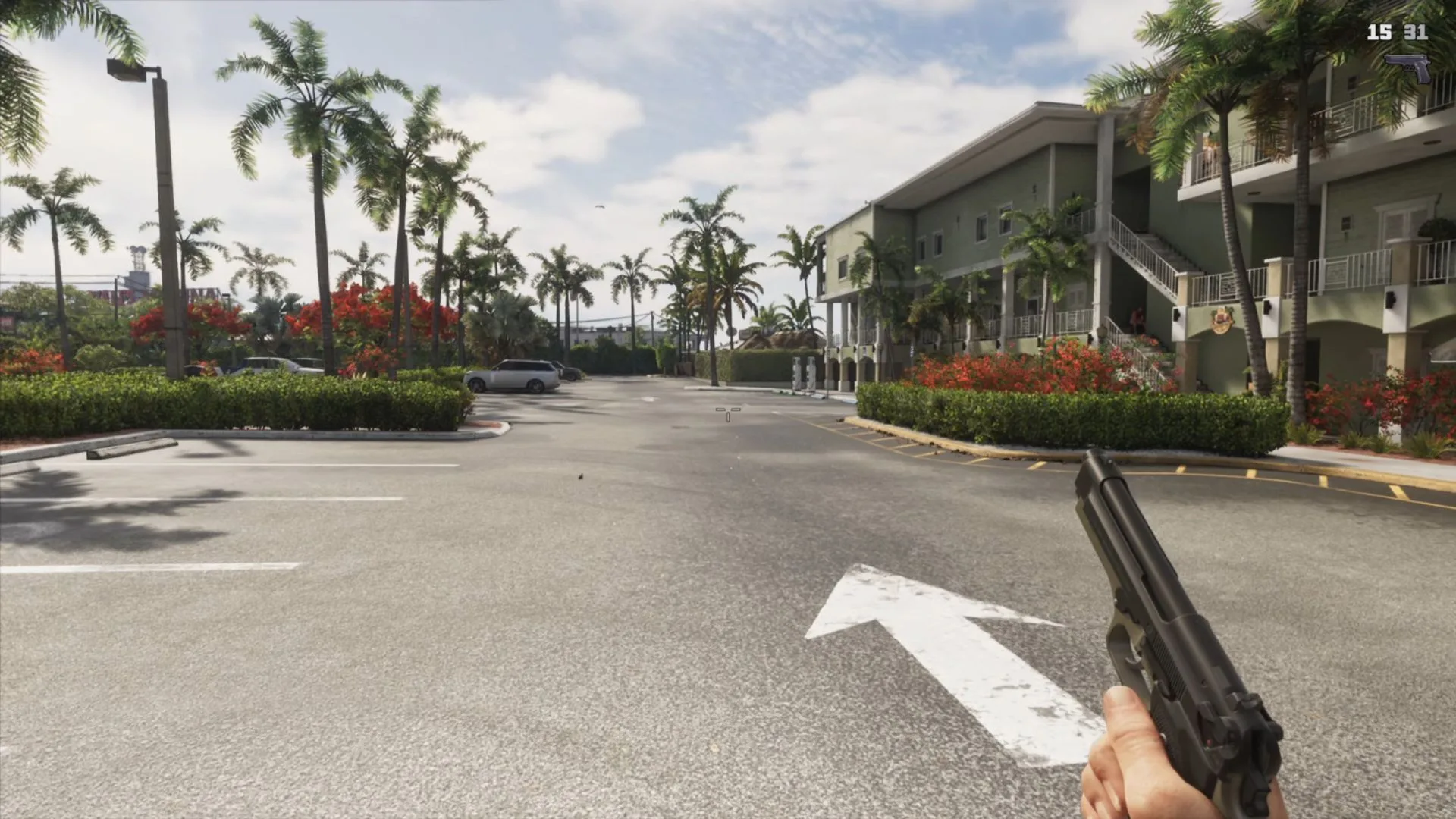
Meanwhile, although first-person view is officially restricted to close-up inspection and phone use, PC Gamer confirms a controller workaround shared on Reddit and tested by Morgan Park that unlocks full first-person gameplay on foot and in vehicles. Under Controller Features, set your touchpad or Select button to Camera 2 / 2, enter a car, pull up your phone with the D-pad, and press Circle / B followed immediately by Touchpad / Select. While unpolished (your shoulder clips into the camera when aiming a longarm rifle), the perspective remains active until you save and reload that save file.
Green Ammu-Nation weapon lockers and the Variants tab for saving over 100 unique weapons
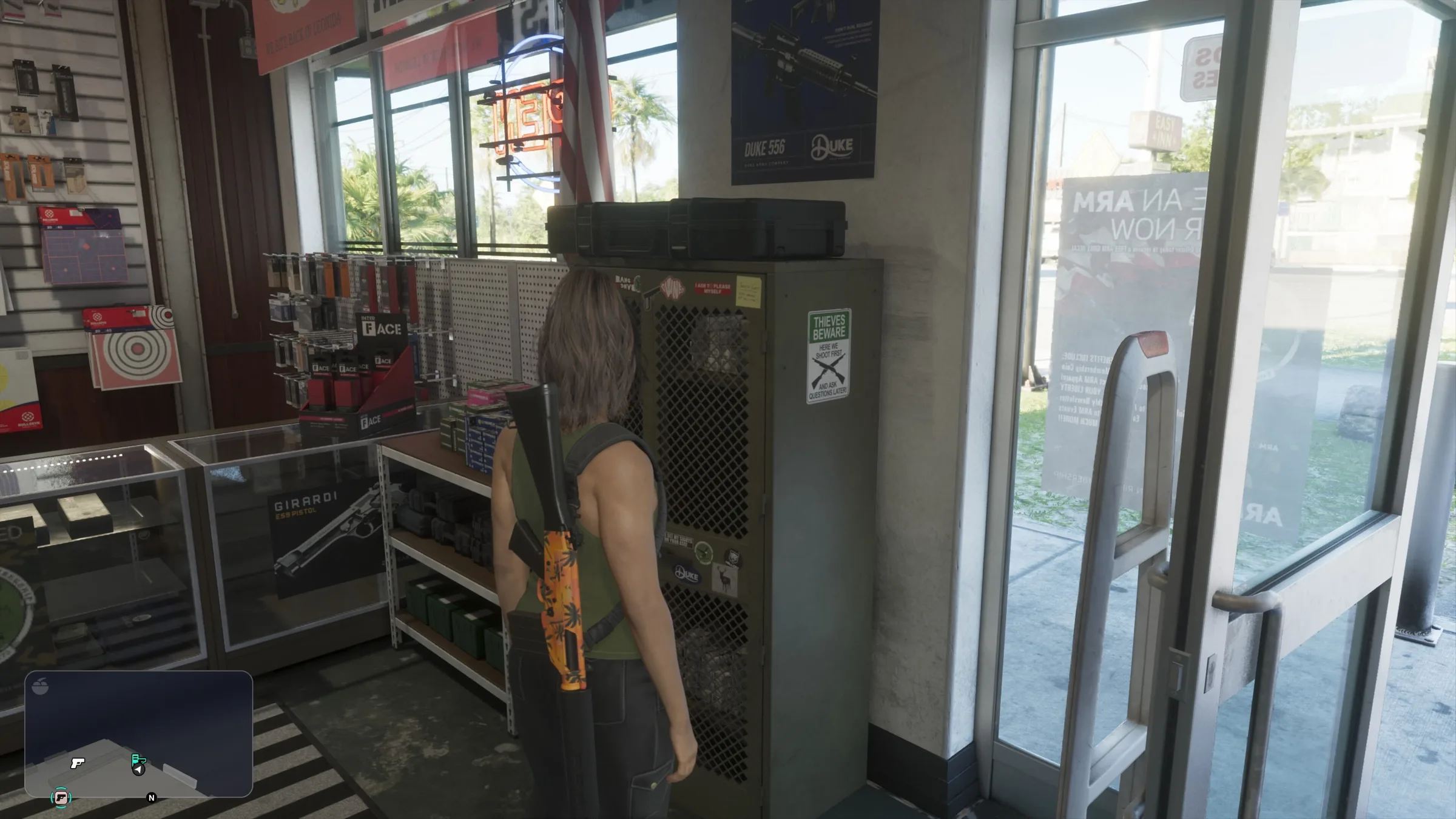
To keep your arsenal from disappearing after missions or sleeping, GameSpot explains permanent storage across Leonida's more than 100 unique weapons (explore our encyclopedia). Beyond using Stow Longarms at your personal vehicle's trunk, every Ammu-Nation store and upgraded garage features a tall green Weapons Locker.
Selecting Manage Weapons displays every firearm you own by class, including guns looted from enemies or legendary weapons marked with a gold gun icon inside compounds such as Kingfisher hideouts. Hovering over a weapon model like the Duke .556 assault rifle and pressing Triangle (PS5) / Y (Xbox) opens its Variants tab, where missing or customized versions are stored and can be re-equipped with Cross / A.
Scooter Bros app deliveries, police impound lots, and registering stolen cars with Moses
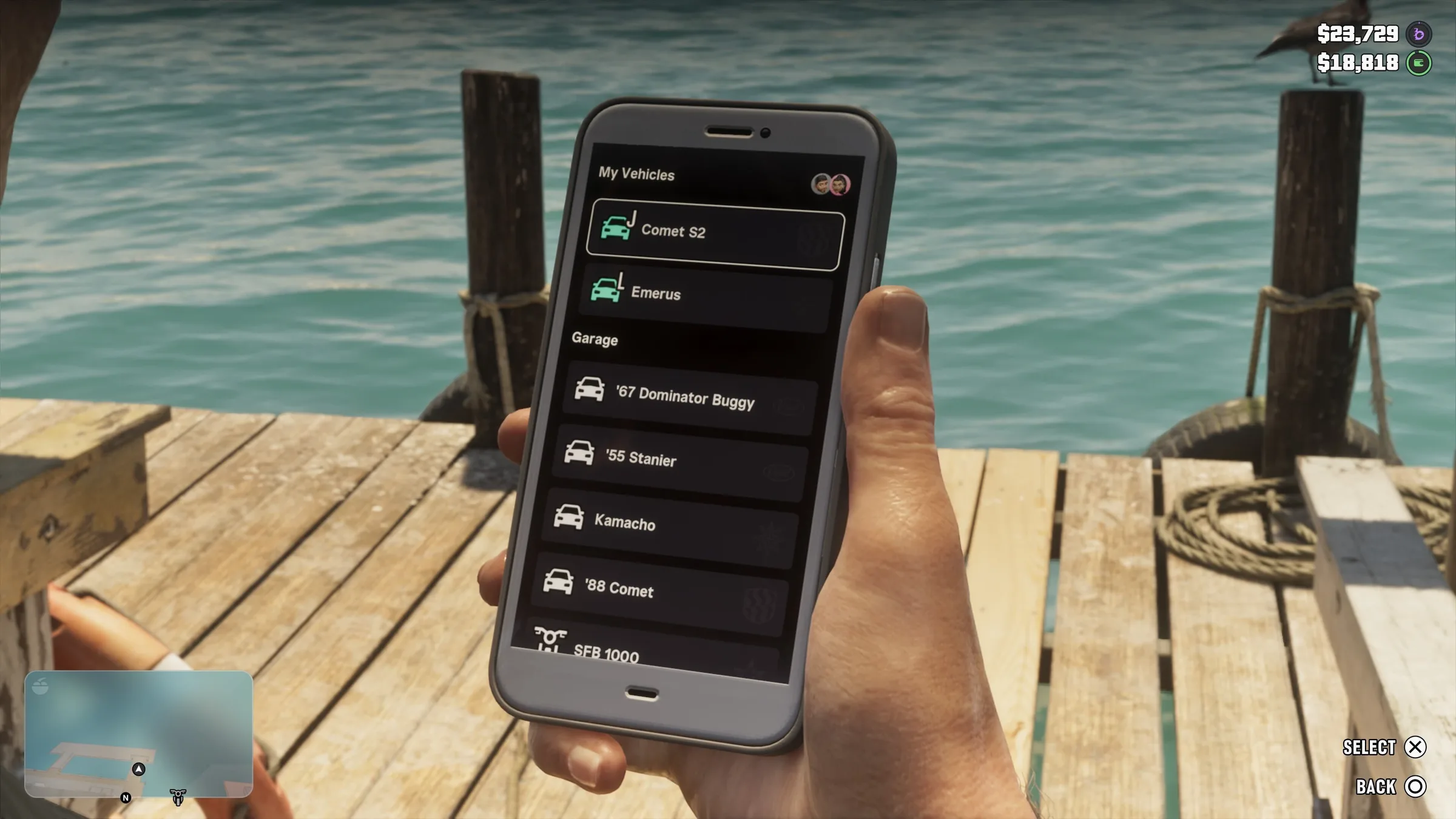
Finally, GameSpot outlines every method for recovering and keeping vehicles (see our earlier breakdown of garages and Moses):
- During Chapter 1, only Jason's default car, boat, and motorcycle are permanent: call Joey the mechanic on your phone or book a ride via RydeMe;
- From Chapter 2 onward, the light-green Scooter Bros app instantly delivers any owned vehicle for a small fee, repairs a destroyed vehicle on the spot for a higher charge, or bails your car out of a police impound lot (marked by a starred garage icon when abandoned at a crime scene, which you can also hop the fence to recover);
- To keep a stolen car permanently, pay to register it with Moses in Chapter 2 (without an advanced red tracker) or visit a Pay 'n' Spray shop, which accepts yellow trackers.
Sources
- Reddit r/GTA — Unlock First-Person Mode in GTA 6 (Camera 2/2 Discovery)
- Game Informer — Grand Theft Auto VI’s Auto Drive Is a Beautiful and Free Version of Hands-Free Travel
- PC Gamer — GTA 6 Is Playable in First-Person, Here’s How to Activate It
- GameSpot — How to Save Guns and Weapons You Find in GTA 6
- GameSpot — How to Retrieve All Lost and Damaged Cars in GTA 6
Keep reading

Source: GameRantCredit: Rockstar Games via GameRant (28/11/2026) GTA VI: Novak Watch heist at Rococo Rich (code 5853), Vangelico Ring for Yasmani (1282 and 2407), selling DaCity Coin at $5.05 ($25,250), and 6 race types
Three November 28 GameRant guides break down infiltrating Rococo Rich in stealth for the Novak Watch (code 5853), robbing Kowalski (1282) and Skala Diamonds (2407) for Yasmani’s Vangelico Ring, and selling 5,000 DaCity Coins at their $5.05 peak ($25,250), alongside TheGamer’s 6 race types.
Source: DexertoCredit: Rockstar Games via Dexerto (27/11/2026) GTA VI: Ned Luke defends Lucia against “woke” claims, Evelyn Stone’s Deep Roots memorial, storm chaser Reed Timmer on hurricanes, and Metacritic score
Speaking with Dexerto and TheGamer, 2013’s Michael De Santa actor Ned Luke defends Lucia Caminos against “woke” claims targeting Grand Theft Auto VI, while Polygon contrasts the 99/100 Metacritic score with 53,754 negative user reviews, Bradley Stone honors his daughter Evelyn at Deep Roots, and Reed Timmer praises hurricanes.

Source: PC GamerCredit: Rockstar Games via PC Gamer (28/11/2026) GTA VI: “surreal” launch per Rob Nelson, real tradespeople roast Jason’s DIY repairs, Criminal Profile as an RPG system, and Vice City clubs
Rob Nelson admits that even Rockstar North veterans felt like launch day might never arrive, while real-world roofers and drywallers dissect Jason’s Key Lento home repairs, IGN reframes the Criminal Profile as an RPG class system, and PC Gamer praises Vice City’s Big Three nightclubs.