
Reported by the press, with its sources.
GTA VI: default sprint moves to L3, first-person view works only while standing still, and DualSense triggers track speed limits
Controller in hand, the retail build of GTA VI overhauls several long-standing Rockstar habits: default sprinting moves to L3 (except on gym treadmills), on-foot first-person view works only while standing still, and PS5 triggers resist at the legal speed limit.
By Alexandre BONGRAND

Goodbye to button mashing: default sprinting moves to L3, except on gym treadmills

Ever since the franchise moved to 3D in 2001, sprinting across a Rockstar open world has required repeatedly tapping the X button on PlayStation or A on Xbox. As highlighted by IGN, GTA VI finally spares players’ thumbs: one of the very first boot screens announces that sprinting now defaults to clicking the left analog stick (L3), while noting that the classic button-tapping scheme remains available in the settings menu.
Rockstar still included a self-aware nod to series history: if you use a treadmill at one of Leonida’s gyms to get Jason or Lucia in shape, the workout minigame asks you to rhythmically mash X / A just like old times. IGN also notes a welcome fix to a recurring complaint from earlier studio releases: drawing a weapon in public is now a much more deliberate input, preventing accidental shootings when simply trying to greet NPCs with L2.
Why on-foot first-person view only works while standing still
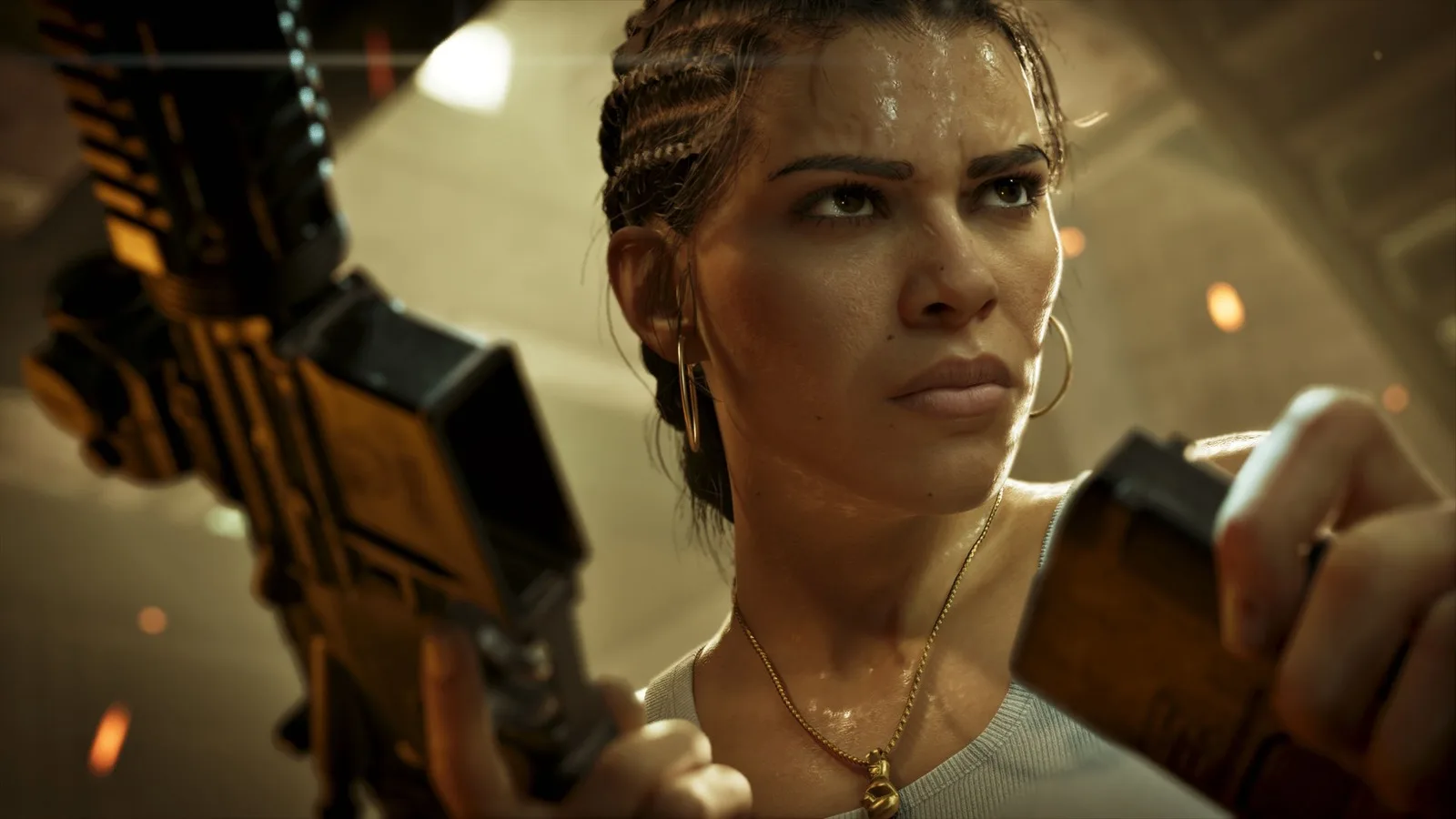
Many fans wondered whether GTA VI would carry over the full-campaign first-person perspective introduced in 2014. According to Video Games Chronicle, there is no traditional on-foot first-person gameplay mode at launch, even though first-person views remain available inside certain vehicles and when aiming down sights with specific firearms.
You can still inspect the fine environmental details of Leonida from a first-person camera while standing still:
- hold L2 to focus or zoom slightly, then click L3 and R3 simultaneously to enter a free-look first-person inspection camera;
- taking a single step immediately returns the camera to third-person view;
- clicking L3 and R3 without holding L2 first instead activates Focus Mode, draining your focus meter to highlight interactive clues or security systems.
DualSense speed-limit resistance, car-door shoves, and open-ended missions
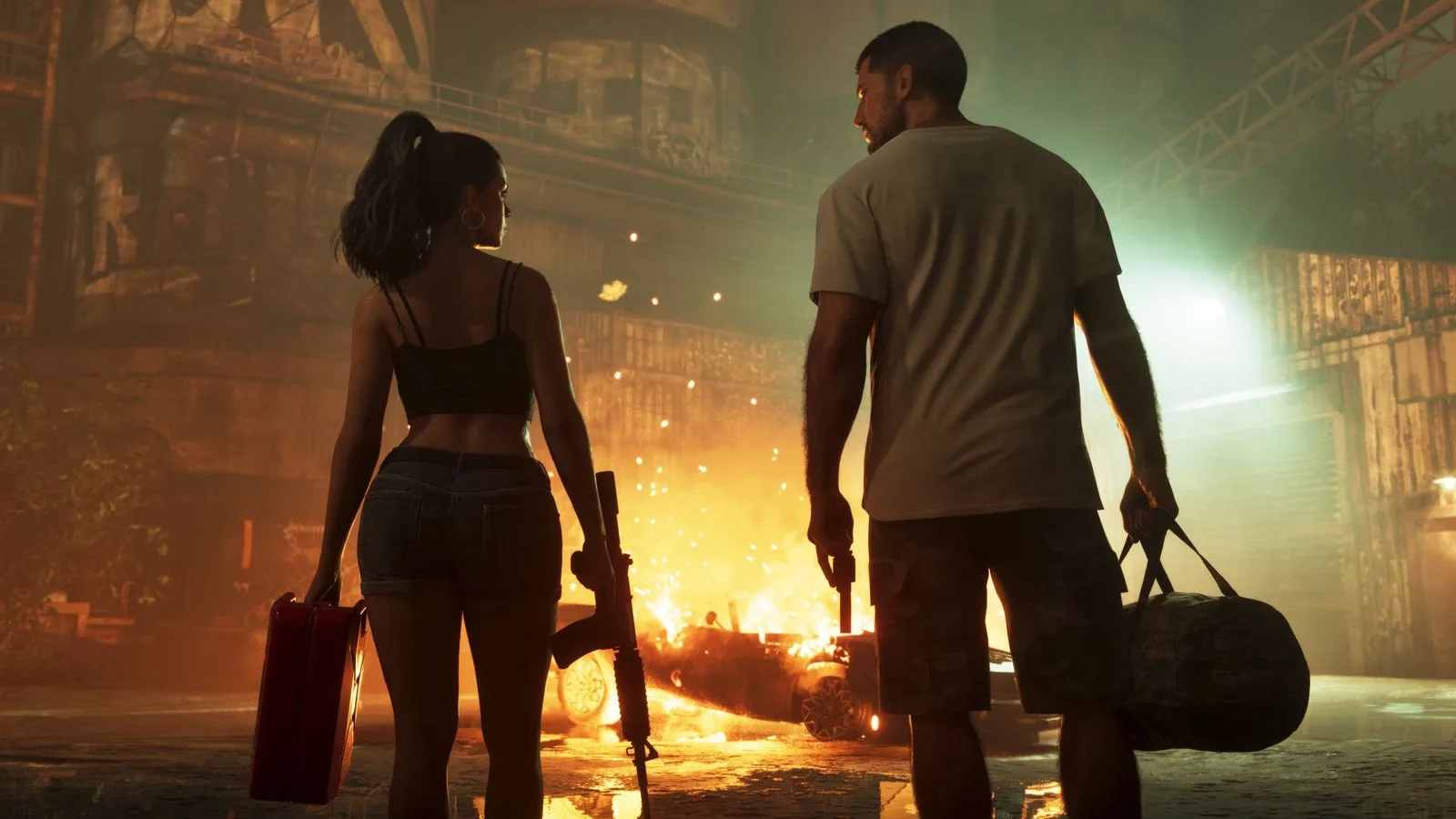
In a game where the personal automobile serves as modern America’s true “third place”—as described in Eurogamer’s review, acting as the hub for phone calls, couple conversations, and trunk storage for weapons and disguises—driving introduces clever tactile nuances. On PS5, the DualSense adaptive triggers create physical resistance under your index finger as your car approaches the legal speed limit: you can rest against that threshold to blend smoothly into traffic away from police attention, or push past the resistance point to floor the accelerator.
Meanwhile, GamesRadar+ highlights a favorite new driving input: pressing Square (PS5) or X (Xbox) while driving makes Jason or Lucia shove the driver’s door open to knock unsuspecting pedestrians or stationary police officers to the ground. Speaking with the outlet, Rockstar vice president of design Stephen Donkin and vice president of technology David Hynd explained that the team worked to reduce rigid “Mission Failed” screens so players can experiment freely—an evolution echoed across earlier Vice City hands-on previews and the game’s landmark critical reception.
Sources
Keep reading

Source: GameRantCredit: Rockstar Games via GameRant (28/11/2026) GTA VI: Novak Watch heist at Rococo Rich (code 5853), Vangelico Ring for Yasmani (1282 and 2407), selling DaCity Coin at $5.05 ($25,250), and 6 race types
Three November 28 GameRant guides break down infiltrating Rococo Rich in stealth for the Novak Watch (code 5853), robbing Kowalski (1282) and Skala Diamonds (2407) for Yasmani’s Vangelico Ring, and selling 5,000 DaCity Coins at their $5.05 peak ($25,250), alongside TheGamer’s 6 race types.
Source: DexertoCredit: Rockstar Games via Dexerto (27/11/2026) GTA VI: Ned Luke defends Lucia against “woke” claims, Evelyn Stone’s Deep Roots memorial, storm chaser Reed Timmer on hurricanes, and Metacritic score
Speaking with Dexerto and TheGamer, 2013’s Michael De Santa actor Ned Luke defends Lucia Caminos against “woke” claims targeting Grand Theft Auto VI, while Polygon contrasts the 99/100 Metacritic score with 53,754 negative user reviews, Bradley Stone honors his daughter Evelyn at Deep Roots, and Reed Timmer praises hurricanes.

Source: PC GamerCredit: Rockstar Games via PC Gamer (28/11/2026) GTA VI: “surreal” launch per Rob Nelson, real tradespeople roast Jason’s DIY repairs, Criminal Profile as an RPG system, and Vice City clubs
Rob Nelson admits that even Rockstar North veterans felt like launch day might never arrive, while real-world roofers and drywallers dissect Jason’s Key Lento home repairs, IGN reframes the Criminal Profile as an RPG class system, and PC Gamer praises Vice City’s Big Three nightclubs.